


Corporate Cards
3 Ways to Simplify Corporate Spend with Mobile Wallets
Learn how to enable team spend (with control) through smart corporate cards integrated with mobile wallets.
August 14, 2023


Most Canadians have become accustomed to the simplicity of mobile wallets for their consumer spending – but why hasn’t corporate finance caught up?
It’s likely because Canada’s big banks promote a more traditional way of doing business, where only a limited few hold business credit cards (and share them) due to the risk associated with credit limits and the lack of visibility into spending.
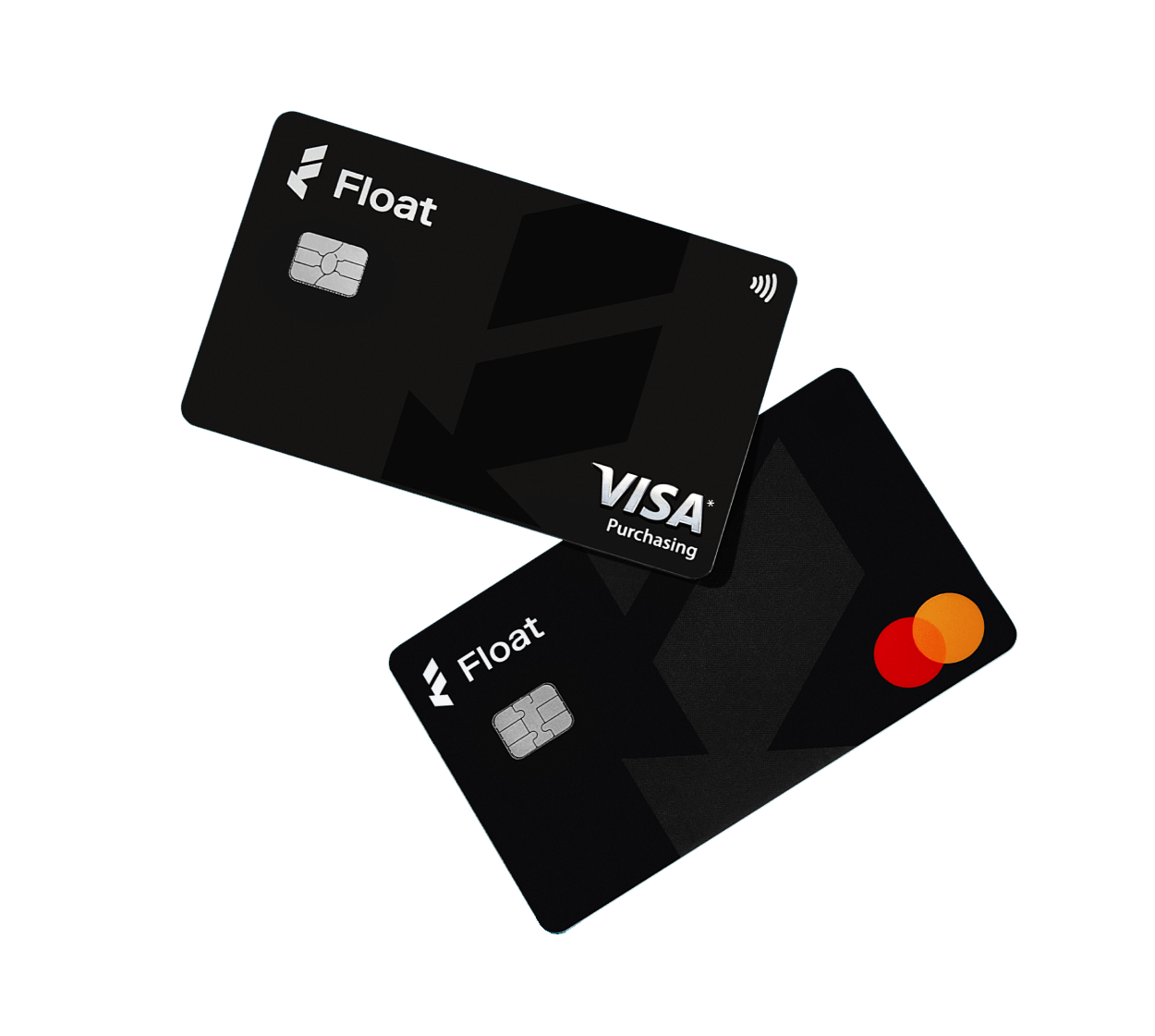
Thankfully, Float is now paving the way for Canadian finance teams to modernize their spending with smart corporate cards backed by intelligent software that allows companies to issue corporate cards to all team members, worry-free, with real-time visibility and control over company-wide spend.
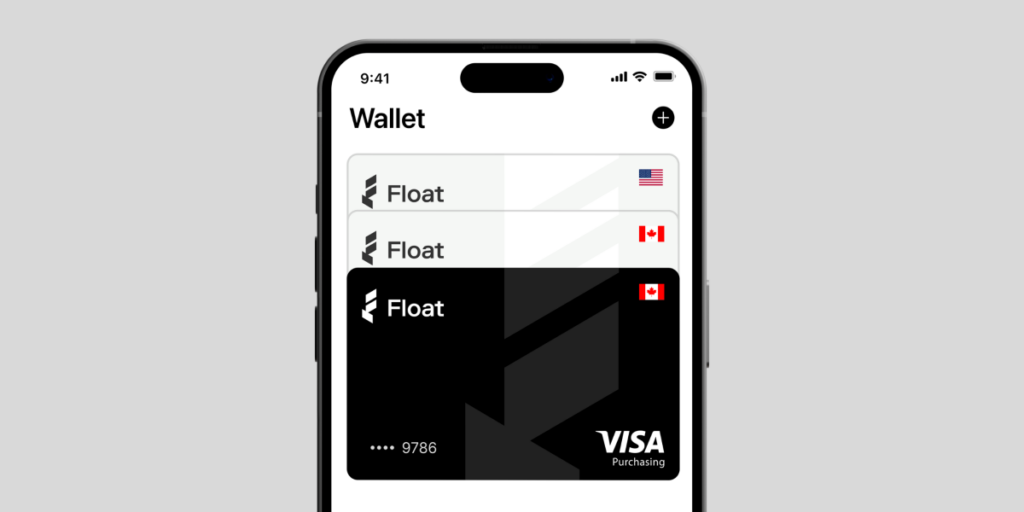
By adding Float Cards to popular mobile wallet platforms like Apple Wallet and Google Wallet, you can experience the convenience of modern business spending, while enjoying full visibility, automation, and control for administrators, and a headache-free experience for your company’s cardholders.
Wondering how businesses like yours are using mobile wallets for their corporate card spending? Here’s how:
3 Ways Canadian Businesses Simplify Corporate Spend with Mobile Wallets
1. Avoid Shipping Delays
With Float, finance teams can create virtual cards for their team members that can then be easily added to mobile wallets. That means no waiting for physical cards to arrive by mail if an employee needs a card to make company purchases fast.
2. Simplify Employee Onboarding
New employees can be assigned a virtual card while they wait for their physical card to arrive and seamlessly add them to their mobile wallets. Float Cards come with the added benefit of custom Temporary limits, perfect for one-time onboarding expenses with limits (and cards) that expire.
3. Tap-and-Pay
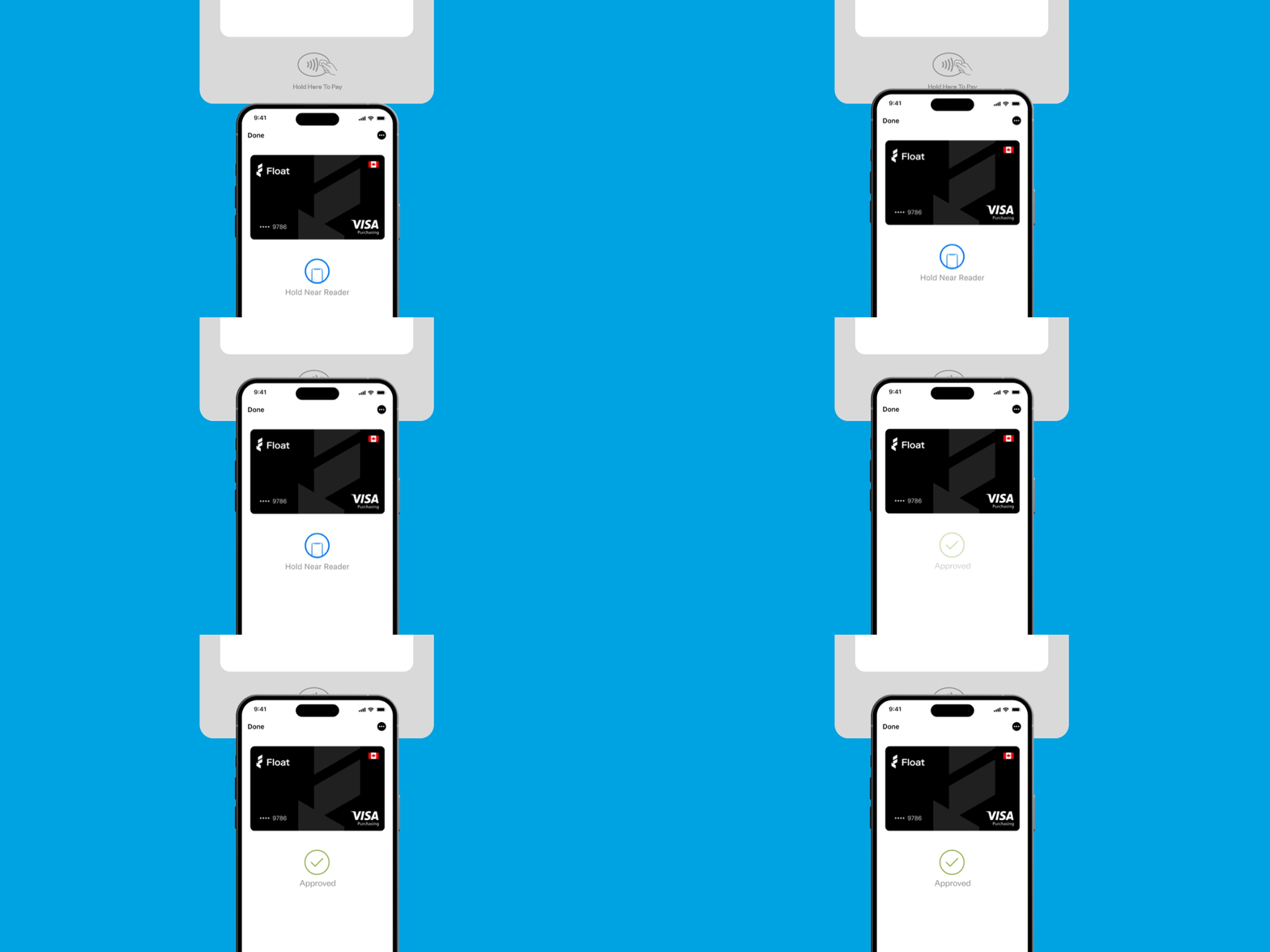
Making purchases while on business trips or on-the-go is now easier than ever before. Cardholders can simply add physical and virtual Float Cards (in CAD or USD) to their mobile wallet, while reducing card clutter and ensuring all their Float Cards are in one place. The convenience of tap-and-pay allows company spenders to quickly make company purchases without any hassle, with the added benefit of card controls that ensure transactions are within your spend guidelines.
💡Pro Tip for Easy Integration
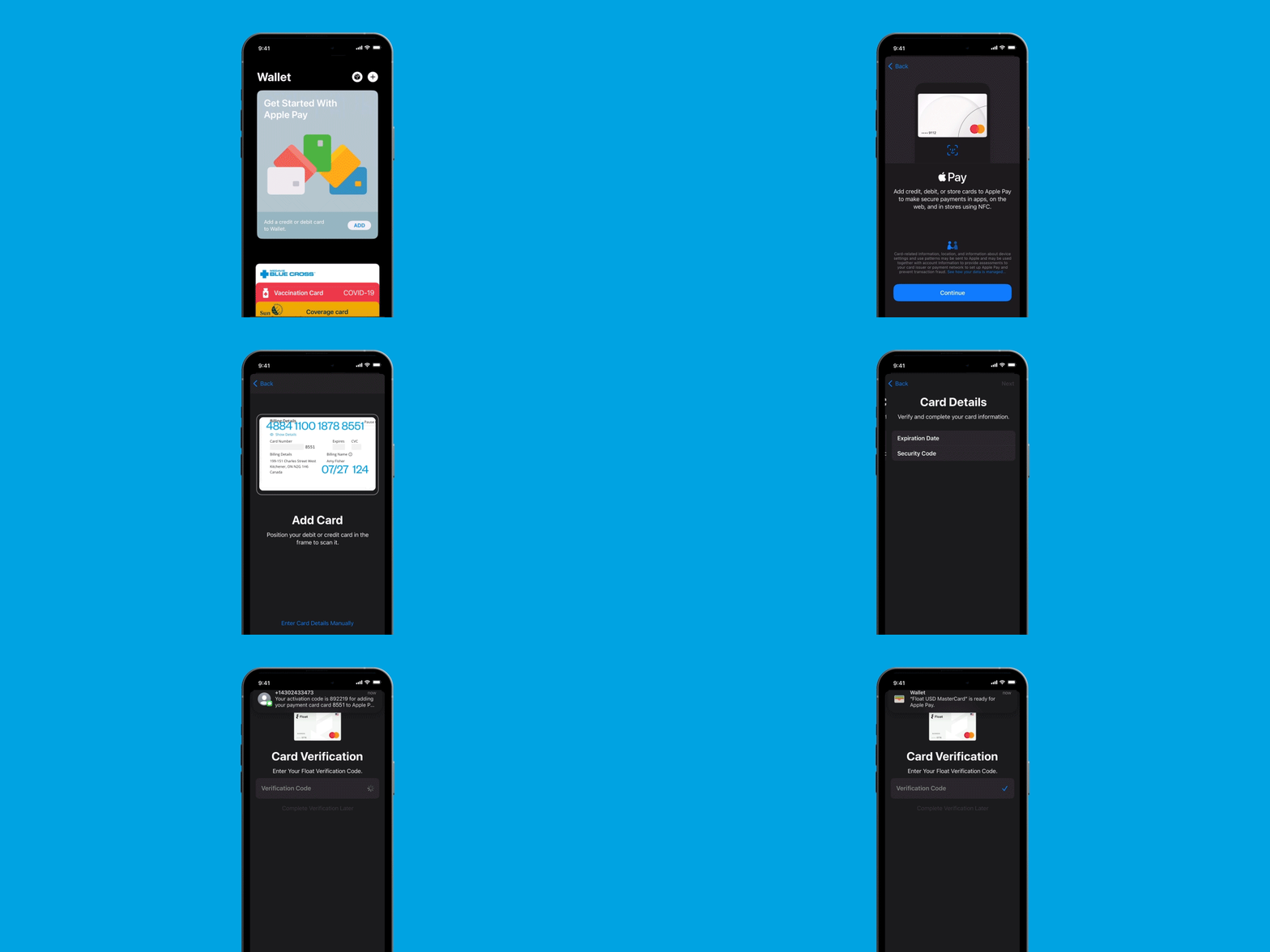
To ensure a smooth experience when adding Float Cards to your mobile wallet, simply take a picture of your Float Card or the Card Details page. This simple step can save you time and eliminate any potential input errors, making the integration process even more straightforward.
—
From enabling controlled team spending to streamlining employee onboarding, and providing a seamless spending experience for users, mobile wallets can revolutionize the way businesses manage their expenses. With Float Cards in your mobile wallet, you’ll have the tools you need to simplify spending and take control of your company’s financials, all at your fingertips.
Start adding Float Cards to your mobile wallets today. Not Float customer (yet)? Book a demo with our team here and we can show you how Float can help simplify (and control) your company’s spend with smart corporate cards, business spend software – and mobile wallets!
Written by

All the resources

Corporate Cards
Top 5 Business Credit Cards with No Foreign Transaction Fees on USD Spend for Canadian Businesses in 2026
Foreign transaction fees are kind of like that tacky souvenir you really tried not to buy, but somehow ended up
Read More
Cash Flow Optimization
Best USD Business Solutions for Cross Border Banking in 2026
If cross-border banking has become a part of your everyday, you need a solution that benefits Canadian businesses first. Here's
Read More
Engineering
Productizing Uncertainty: How We Taught Our AI to Say “I Don’t Know”
Your LLM doesn’t know what it doesn’t know. So we built an AI system at Float that fixes that.
Read MoreSpend time and money
where it counts
Earn up to 4% interest on your cash balance and simplify business spending with corporate cards, accounts payable and expense management software.